I've discovered a fix with some help from people on other forums. More on that in a minute
I've actually had good luck with this skin material in the past. Here's the exact same character (including all currently hidden elements) in my "studio" scene I use for character design:
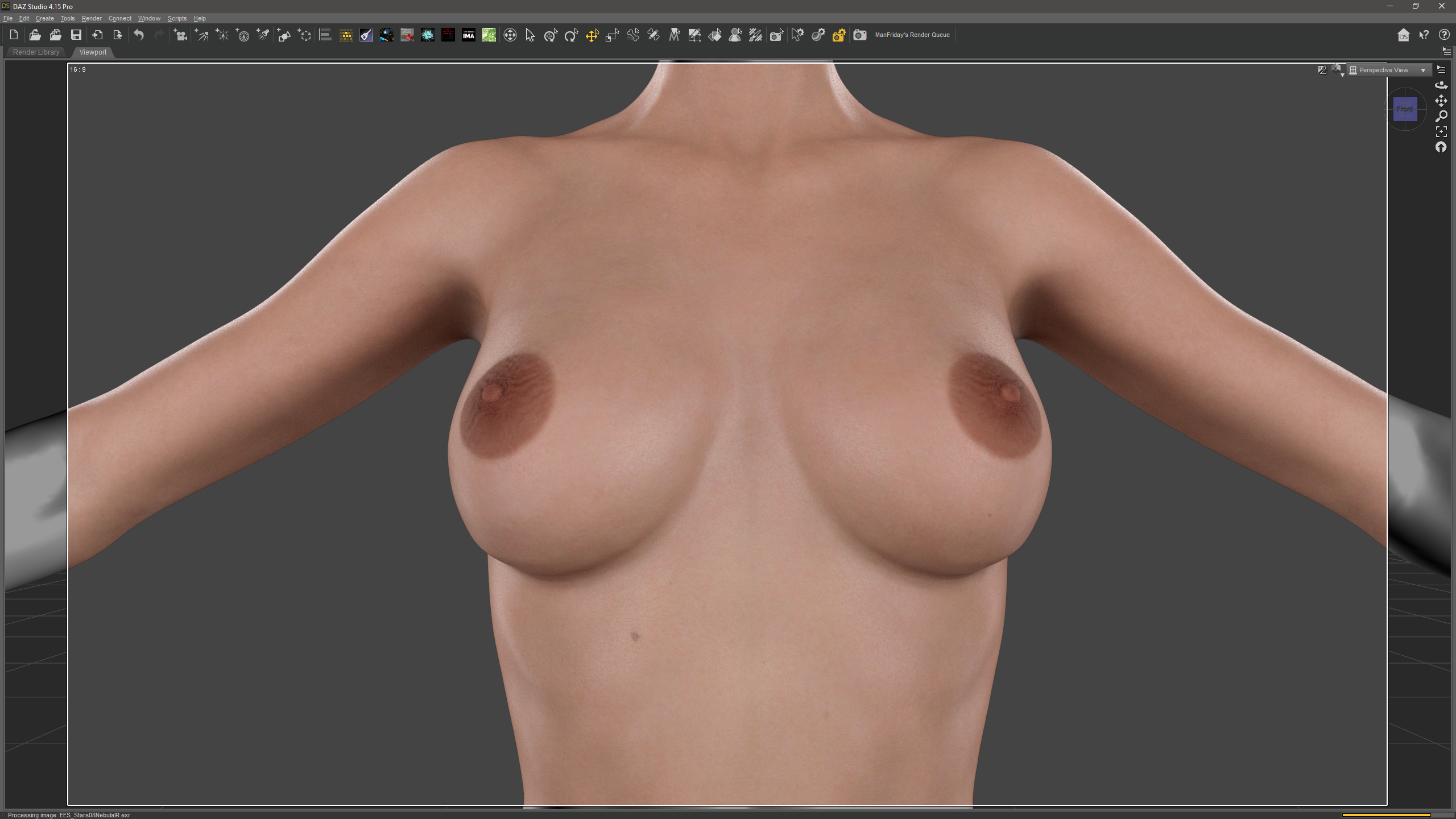
As you can see, no issues.
Here's another case of the issue where it's much less severe in the same scene as the OP, but with the character in a different location in the environment:
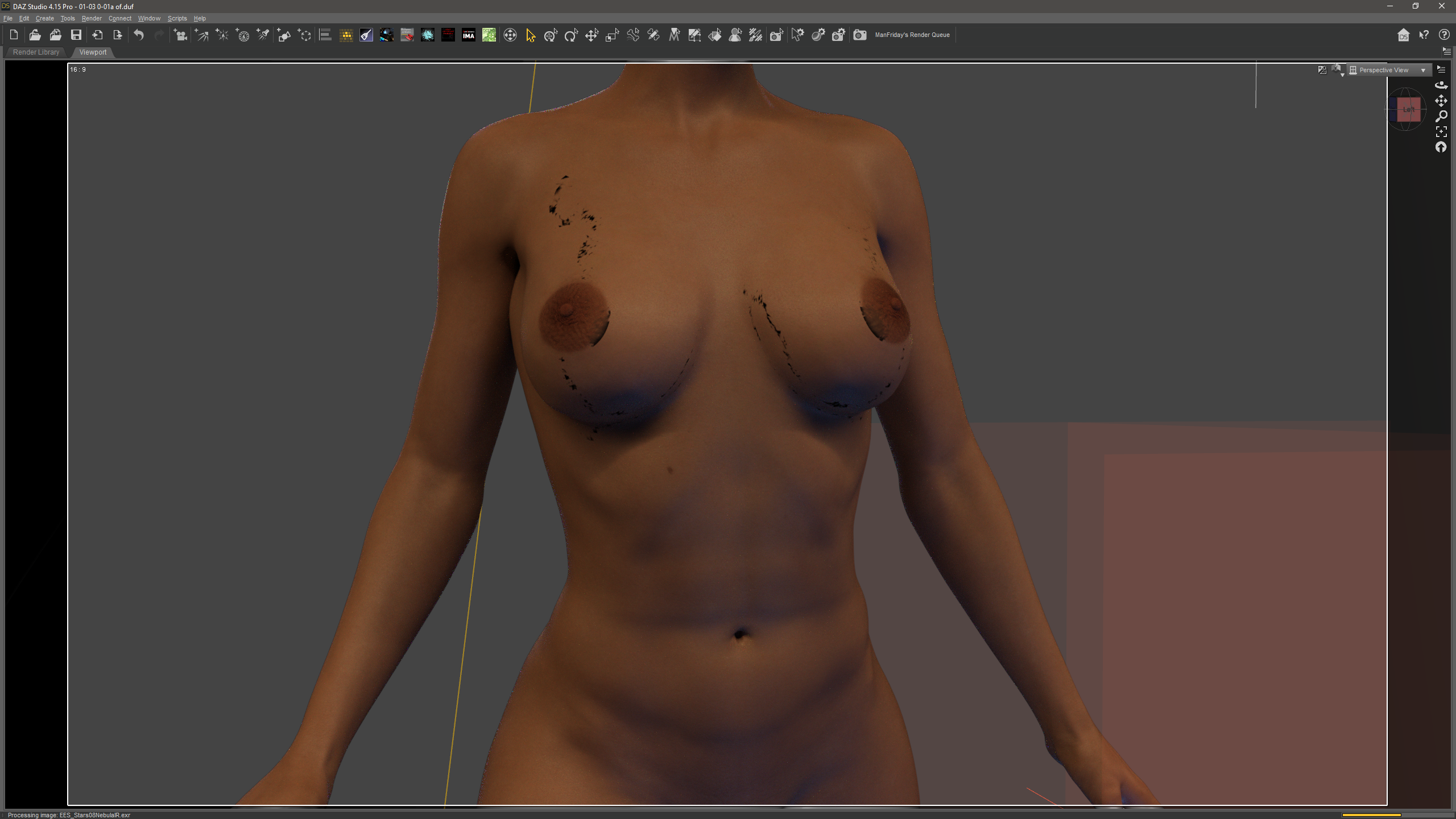
That's what I mean about the issue being inconsistent. It gets better and gets worse and can even clear up entirely... and, untill a few minutes ago, I didn't know why.
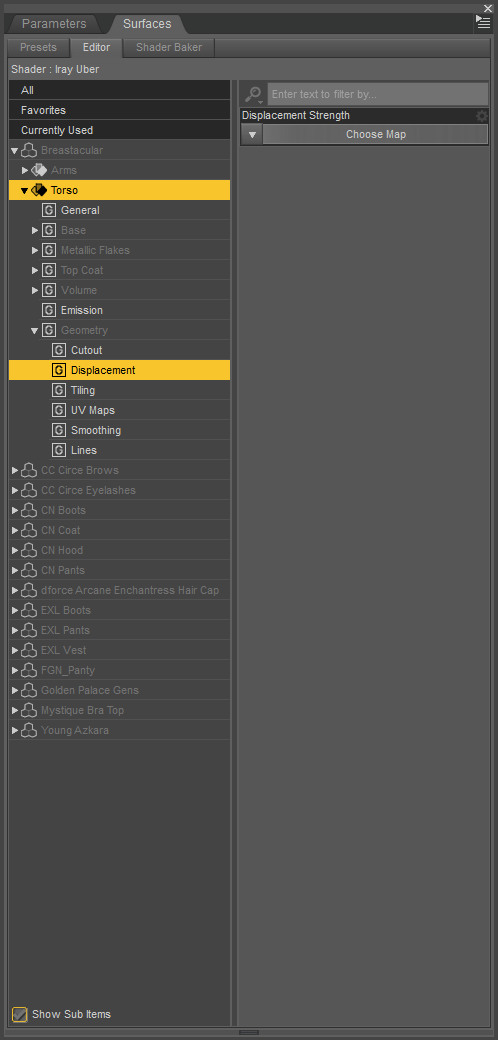
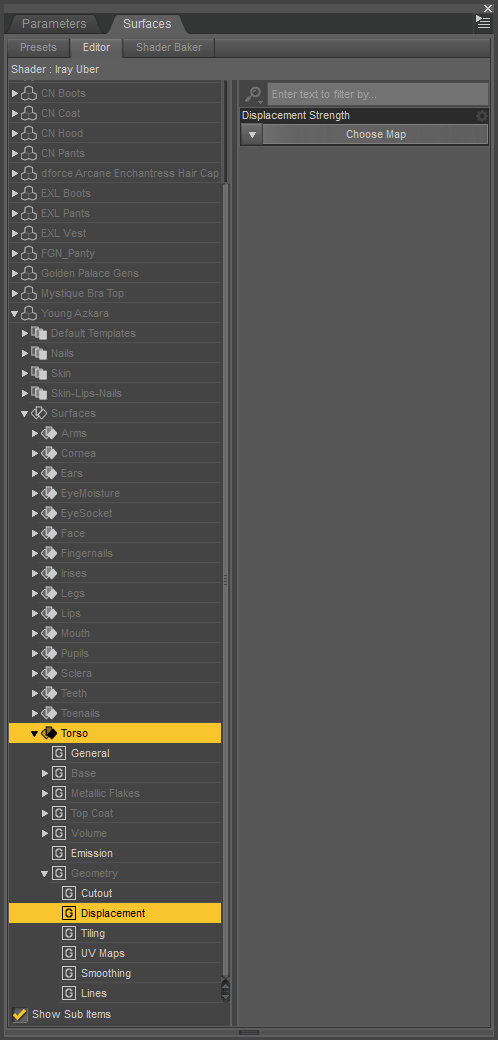
Looking at the displacement setting for the skin material...
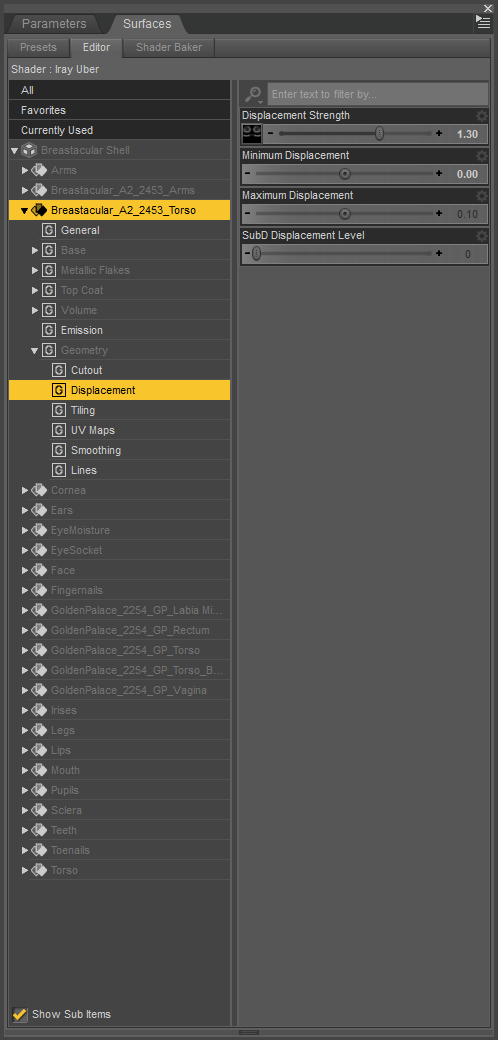
The Fix
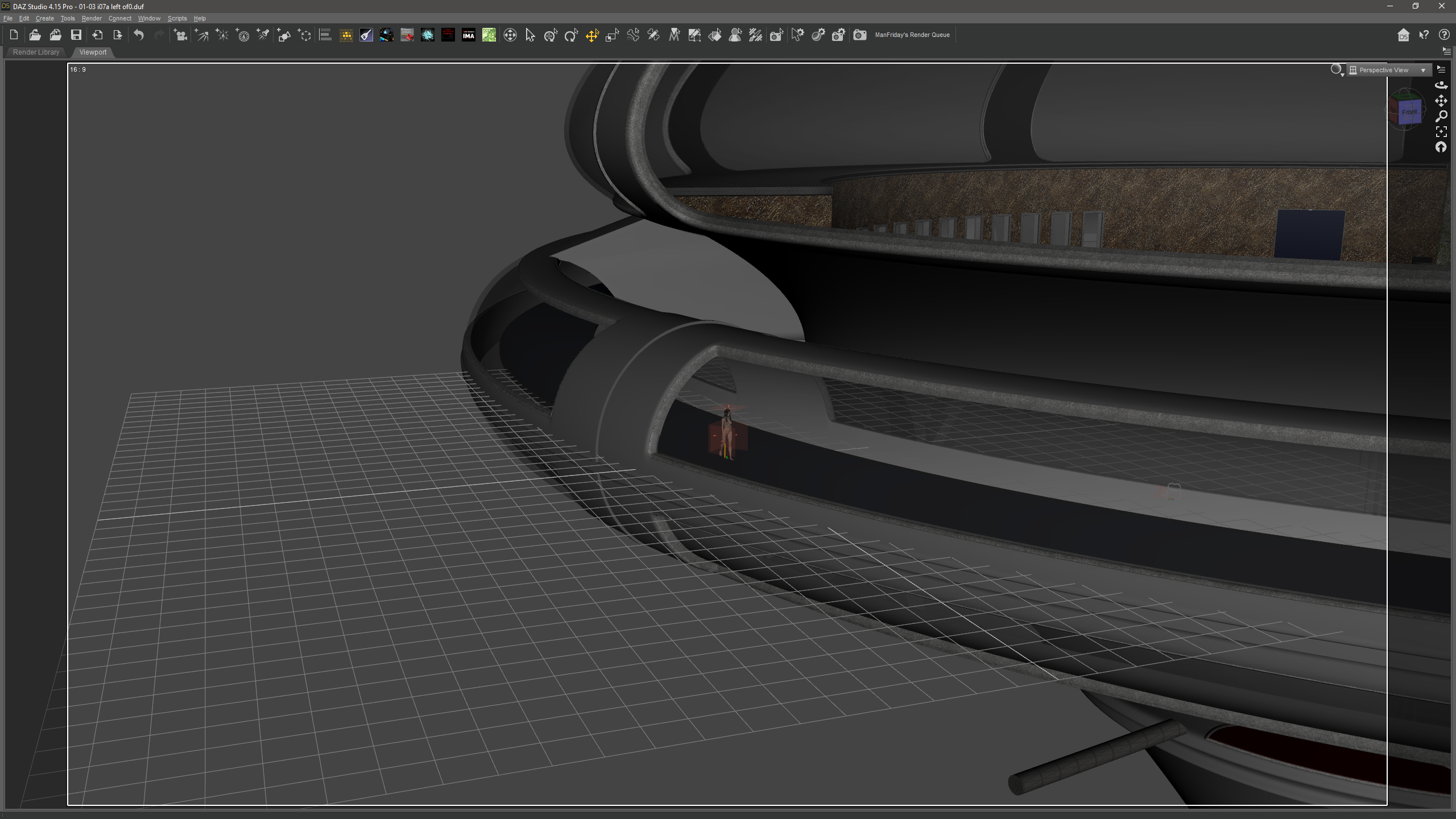
So the "fix" is actually just to reposition all elements of the scene to move the character back to coords 0, 0, 0 in the scene. The further the character gets from the center of the scene the more likely geografts are to start having this issue. Even a few hundred cm away from dead center of the scene can cause issues to appear. Why this works is beyond my understanding. I would assume a bug in IRay. Perhaps an overflow in the coordinate math or something. In the scenes in the OP the character was only at -4875.027, 7.0, 1580.581... not what I consider an extreme distance from center. I hesitate to call this a true solution as the solution would be to fix whatever bug in IRay causes this issue (which is obviously out of my hands) or to address the root cause (whatever that would be).
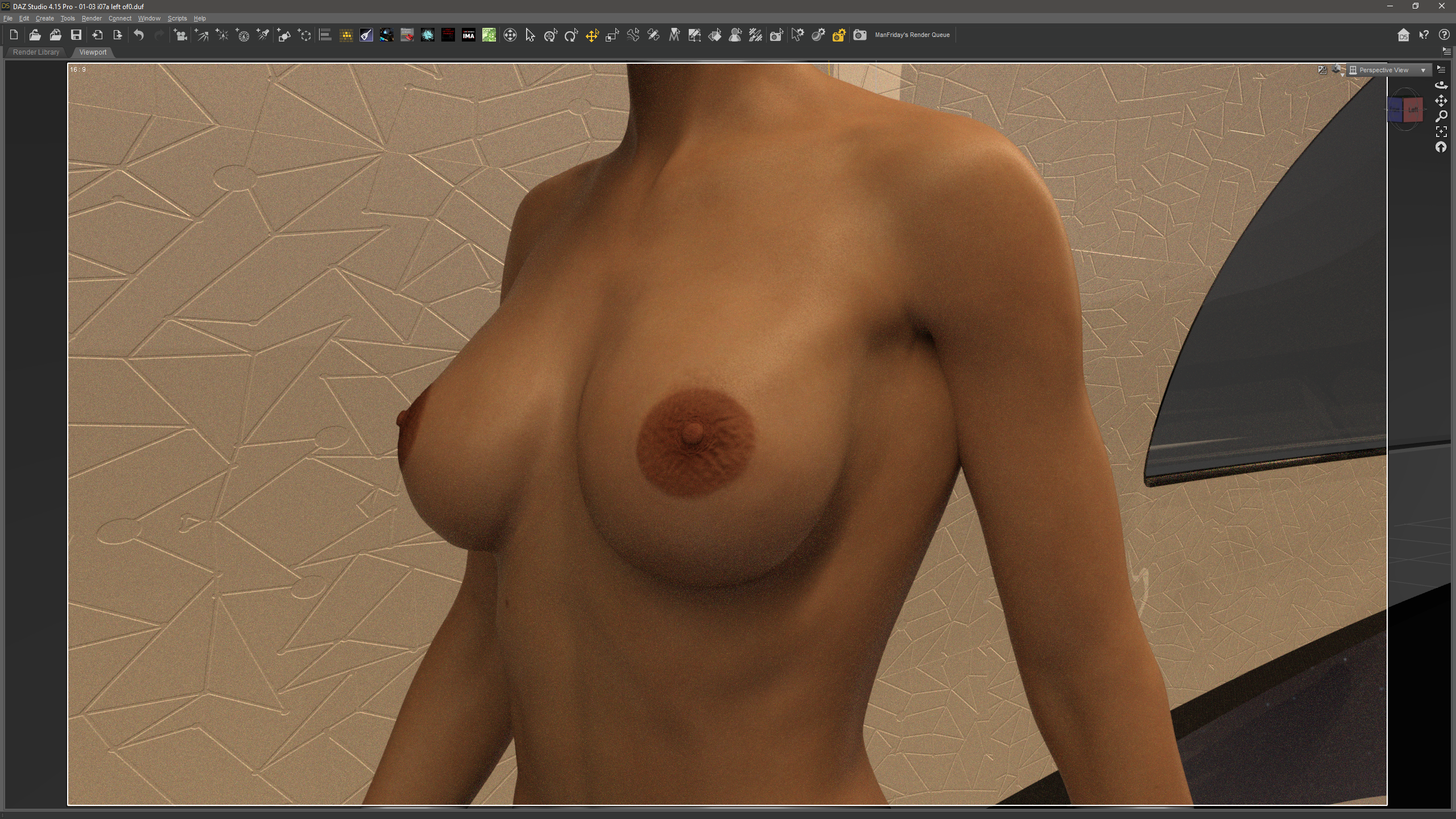
Regardless, thank you for the help. :-)
Edited by user Saturday, July 3, 2021 5:29:45 PM(UTC)
| Reason: Not specified